

Banner Image

Fraud Tip for Our Customers

Queenstown Bank will never call, text or e-mail you, asking for your personal or banking information. Never provide your PIN, password, one-time security code or SSN. Hang up, ignore the text or e-mail and call us at (410) 827-8881.

Don't show again
Skip to Content
Close Icon

Mobile Deposit

Deposit Your Checks Using Your Mobile Camera

Depositing a check can feel like a hassle. It should be convenient. With the Queenstown Bank mobile deposit feature within our mobile banking app, it's never been easier to deposit a check into your account. All you have to do is open the app and follow the prompts to snap a picture of your endorsed check.

Your Mobile Check Deposit Checklist

  • Endorse the check you will be depositing with your name and “For QB Mobile Deposit Only”. (This endorsement is required for the mobile deposit).
  • Open your Queenstown Bank app, select "Deposit Check", choose the account to make your deposit, and carefully enter the check amount to ensure it matches the amount written on your check.
  • Flatten folded or crumpled checks and take a photo of the front of the check. Photograph the check against a background that gives you strong contrast. Also, ensure the whole check is visible, in focus, and well lit. If it’s clear, accept it.
  • Repeat this process for the back of the check.
  • Once both images have been captured, select next to continue.
  • Review your deposit and if correct, confirm it.

You can learn more about Mobile Deposit and view a tutorial by visiting the Queenstown Bank Online Education Center.
Mobile Deposit Tutorial
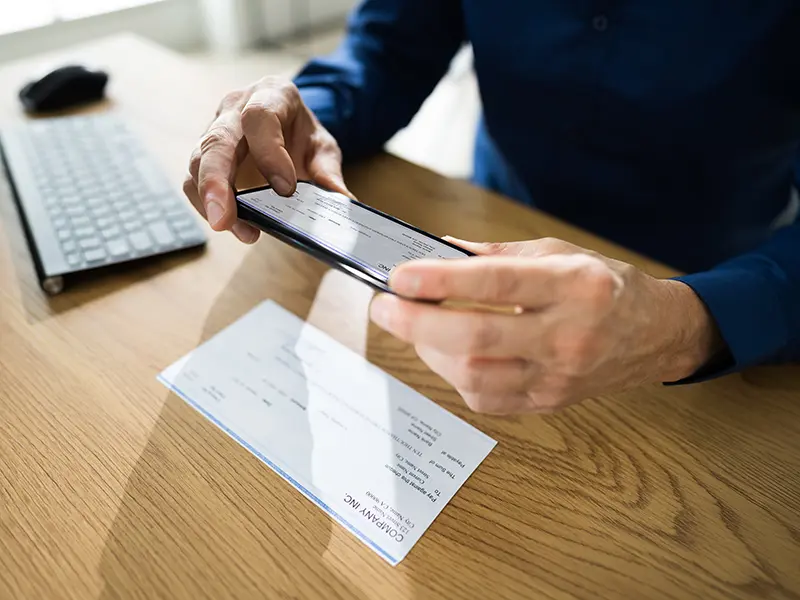
Image of someone using mobile deposit for a check
 

Frequently Asked Questions About Mobile Deposit

What is Mobile Deposit?
What are the benefits of using Mobile Deposit?
What mobile devices are supported?
Who can use Mobile Deposit?
Is there a cost to use Mobile Deposit?
Are there limits for deposits through Mobile Deposit?
What types of checks can I deposit through Mobile Deposit?
When will I see the deposit into my account and when will my funds be available?
Should I endorse my check and do I need a deposit slip?
How will I know when my deposit is complete?
What should I do with the check after it has been deposited into my account?
Are check images saved on my device?
What if I accidentally deposit the same check twice?
Can I deposit more than one check at a time?
How can I ensure that the check images I take will be high quality?
What if the check image I photographed is bad?
Which accounts can I use to make deposits?
Who should I call if I have questions or need assistance?
You are now leaving Queenstown Bank
Continue